Family
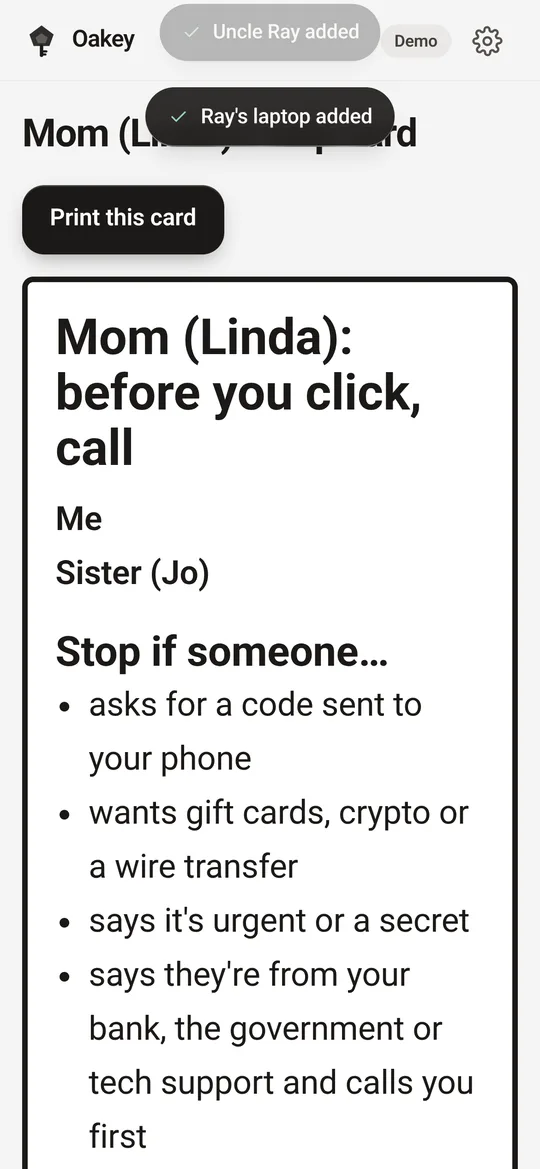
Who's in, who helps whom, and a big-print help card for the fridge.
 Oakey
Oakey
Strong roots. Safe keys. Demo · coming soon
Oakey is a free app that helps your family keep everyone's tech safe, all year. One shared checklist for accounts, devices, money and scams, a printed help card for parents, and a private vault of password hints. It never stores your passwords.
From Reset Kit Co., made by Silverkey, a small Edmonton web and tech studio.

Drag to turn the tree
Early design drafts from the working demo. Things may change before launch.
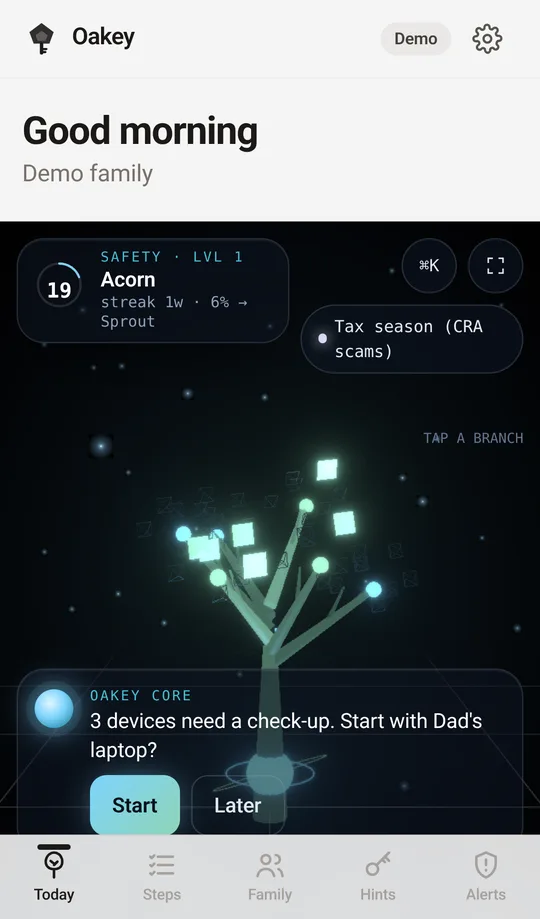
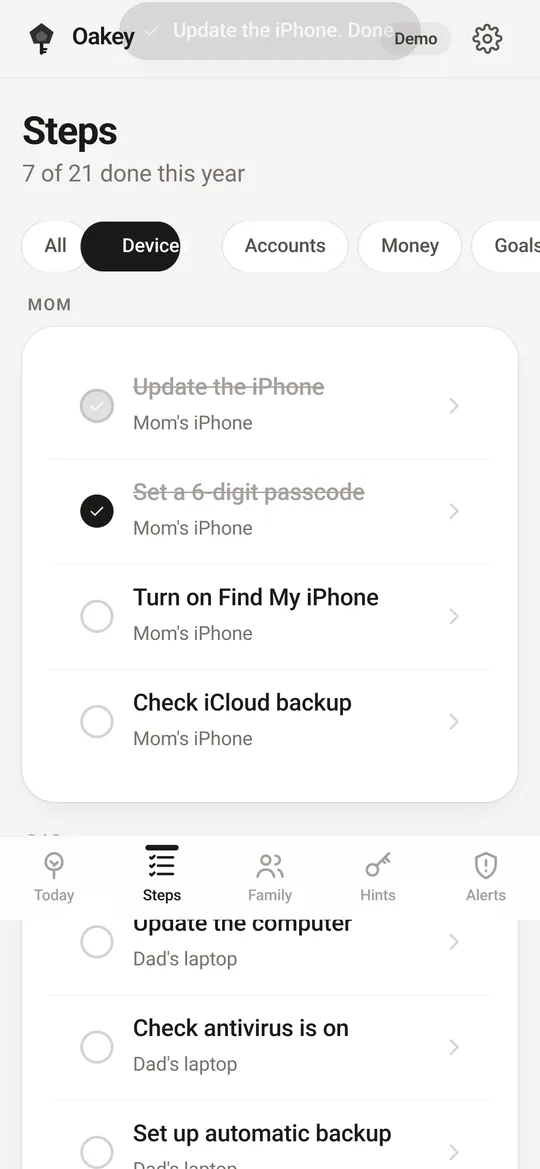
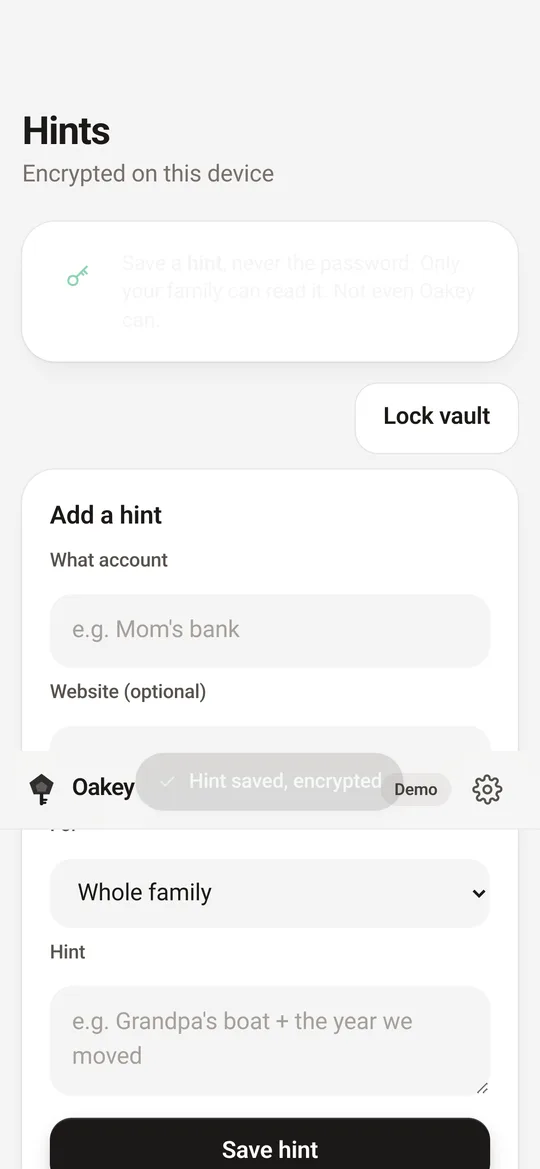
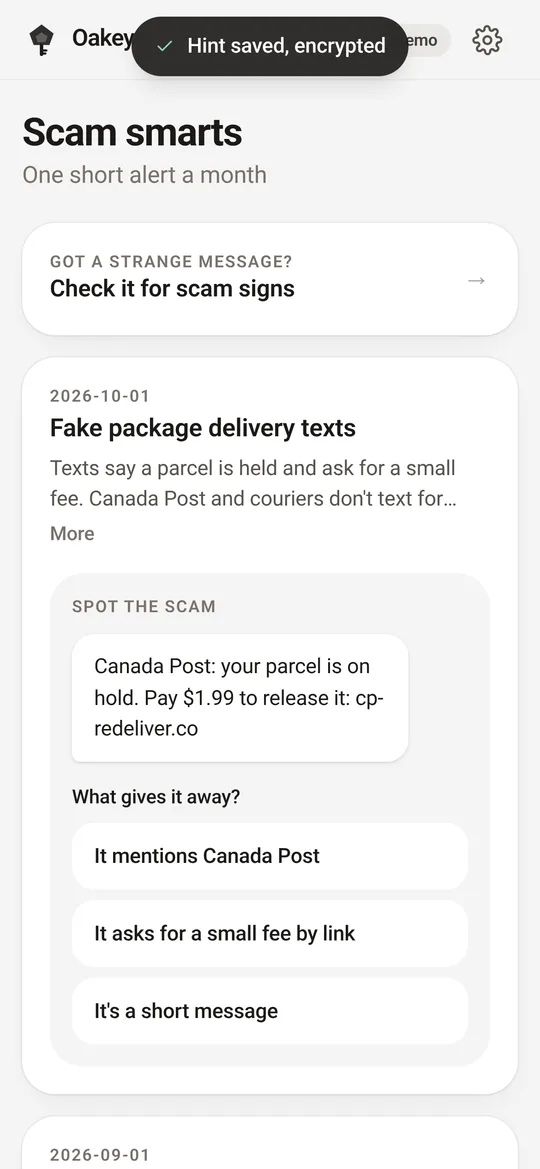
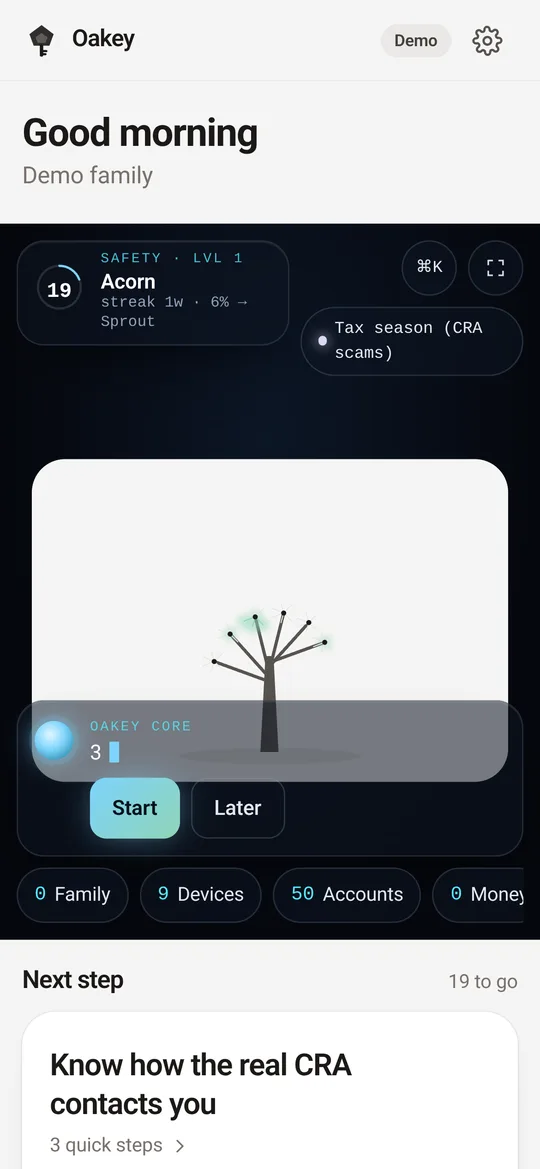
Every branch is a part of family life. Each small step you finish helps it grow.
Who's in, who helps whom, and a big-print help card for the fridge.
Phones, tablets and computers: updates, screen locks and backups.
Email, banking and social logins, with two-step sign-in turned on.
Card alerts, safe payment habits and who to call if something looks off.
A short monthly scam alert in plain language for the whole family.
Your tree changes with the seasons, and so does your checklist. Oakey adds a few timely steps as each scam season comes around, so the work never piles up. The season is worked out on your device from today's date.
Fake CRA calls and texts peak before April 30. Learn how the real CRA reaches you.
Fake rentals and public Wi-Fi. Turn on Find My before you go.
New laptops, fake deals and "missed delivery" texts.
Holiday phones and tablets get a screen lock, updates, and old ones wiped.
Parents, kids and grandparents. Shared tasks, devices and a big-print helper.
Just you: your own accounts, devices and backups.
Teams of 1 to 10: staff, shared logins through a password manager, device checks and an incident plan.
"Grandma's dog + street number", not the password itself. Real passwords belong in a password manager, and Oakey walks you through setting one up.
If something you type looks like a real password, Oakey flags it before saving.
Hints are encrypted in your browser before they're saved. Only your passphrase or the printed recovery key can unlock them.
Oakey is in development. Follow along for the launch.